
If a patient has a saved credit or debit card, you can set the saved card as the default payment method in the Enter Payment dialog box.
To set a saved credit or debit card as the default payment type
1. With a patient selected in the Ledger, click Transaction, and then click Enter Payment.
The Enter Payment dialog box appears.
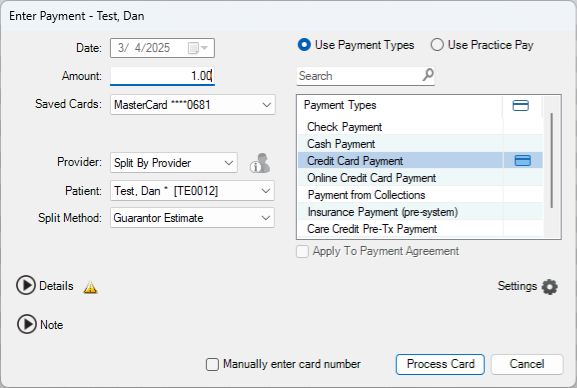
2. Click the Settings icon.
A menu appears.
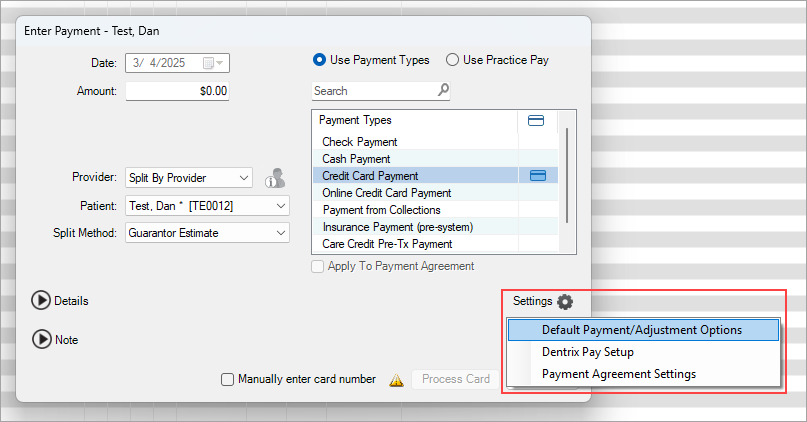
3. Click Default Payment/Adjustment Options.
The Default Payment/Adjustment Options dialog box appears.
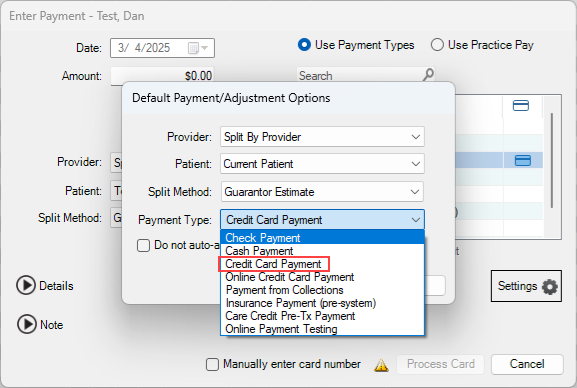
4. Click Credit Card Payment.
The selected patient’s saved credit card appears in the Saved Cards box.