
From the Patient Picture window, you can copy pictures of your patients to the Clipboard. Copying pictures to the Clipboard is useful if you need to import a patient's picture to another software program.
To copy a patient picture to the Clipboard
1. Select a patient.
2. In the Family File, click File, point to Switch To, and then click Patient Picture.
The Patient Picture window appears.
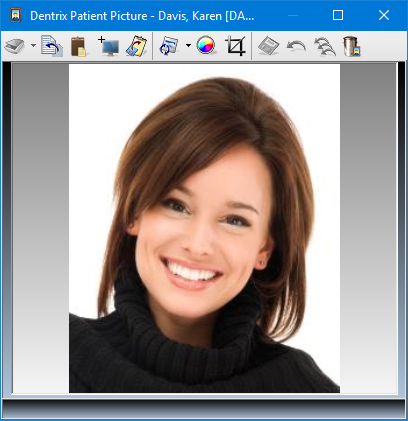
3. In the toolbar, click the Copy To Clipboard button to copy the image to the Clipboard.