
Patient notes apply only to the individual patient and can be viewed in the patient's appointment information in the Appointment Book or in the Family File.
If a patient has notes entered, you can view the notes in the Family File window by clicking the Show icon in the Patient Notes card.
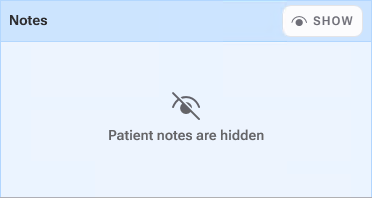
The Show icon toggles between Show and Hide.
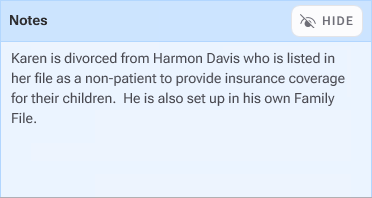
If the notes contain confidential information, we recommend that you hide them.
Notes:
When Dentrix is first started, the default is to hide notes. Thereafter, whenever a patient is displayed in the Family File, the notes display depending on the state of the previous patient's notes.
You can also print the patient notes.