
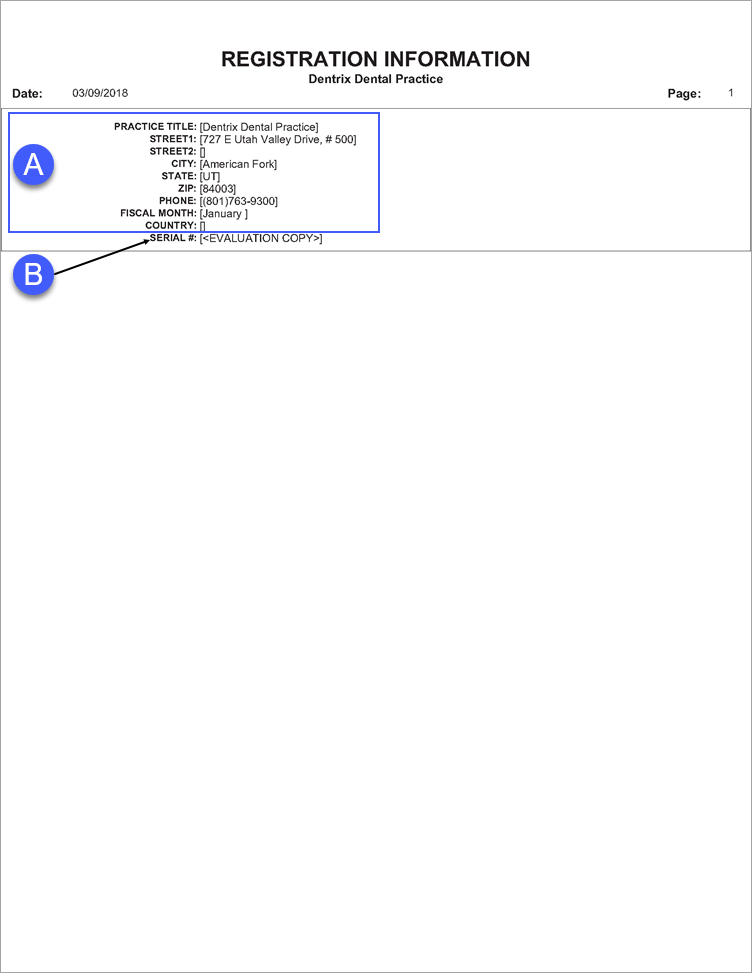
The Registration Information Report displays the practice’s registration information and Dentrix serial number.
 |
Why: |
To maintain professional relations. |
When: |
As needed. |
In the Office Manager from the Reports menu, point to Reference, and then click Registration Information.
A. Practice Information – The practice information associated with your serial number.
B. Serial Number – The Dentrix product serial number.