
Once you have set up your KaVo IXS sensor, you can test it by acquiring a test image.
To test the KaVo IXS sensor
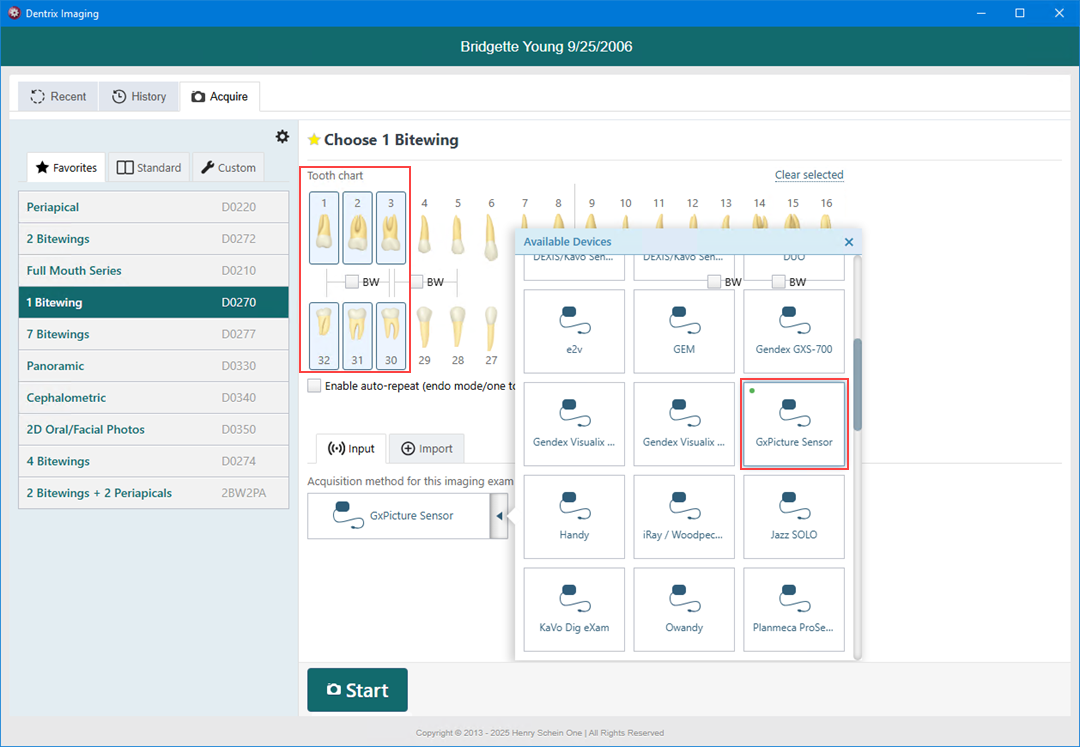
1. Open Dentrix Imaging, and then click the Acquire tab.
2. In the Favorites list, click 1 Bitewing.
3. In the Tooth chart, click the teeth you want to image.
4. In the Acquisition method for this imaging exam menu, click GxPicture Sensor, and then click Start.
Note: If an error occurs, restart the computer to correct the error.
5. Click Finish Acquisition.