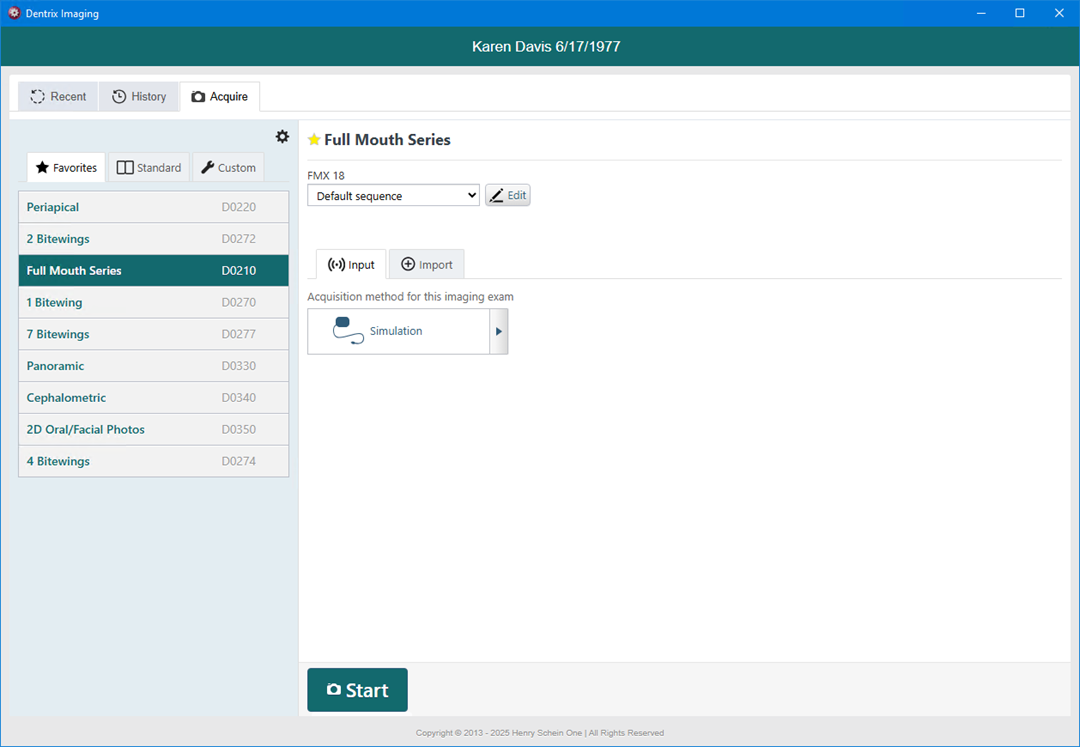
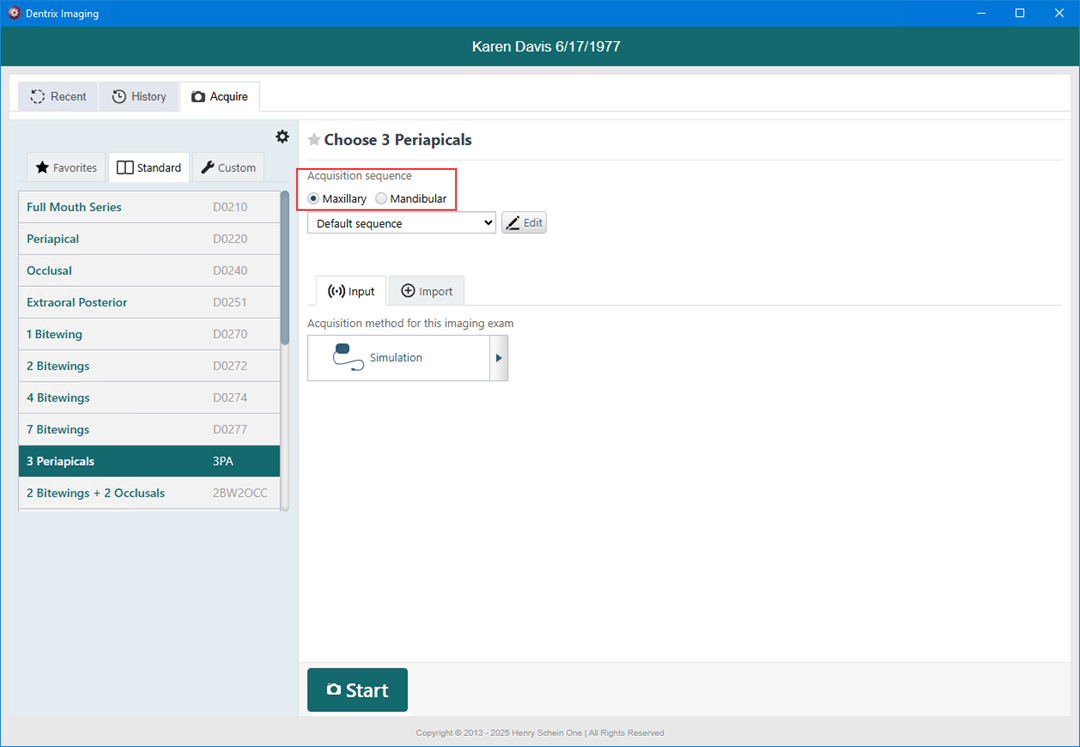
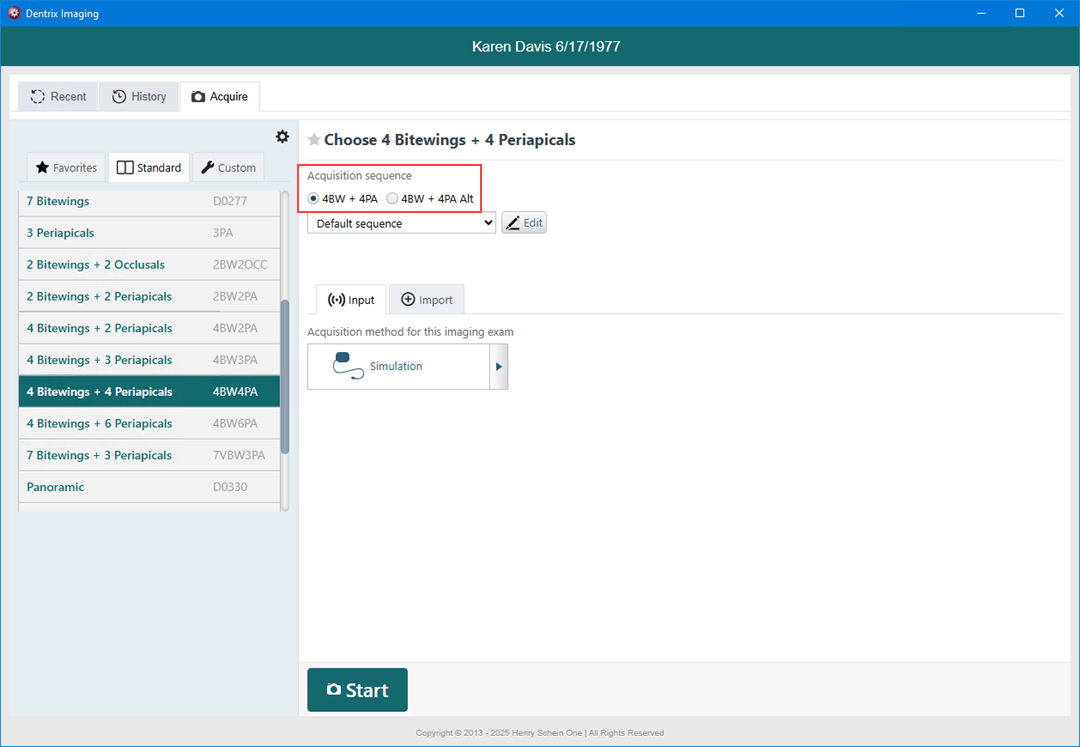
In Dentrix Imaging, acquisition sequences vary depending on the procedure group you select. For example, the acquisition sequence for a full mouth series differs from the acquisition sequences for three periapicals or four bitewings.
To select an acquisition sequence
1. In the Imaging toolbar, click the Launch Dentrix Imaging toolbar button.
The Dentrix Imaging window appears.
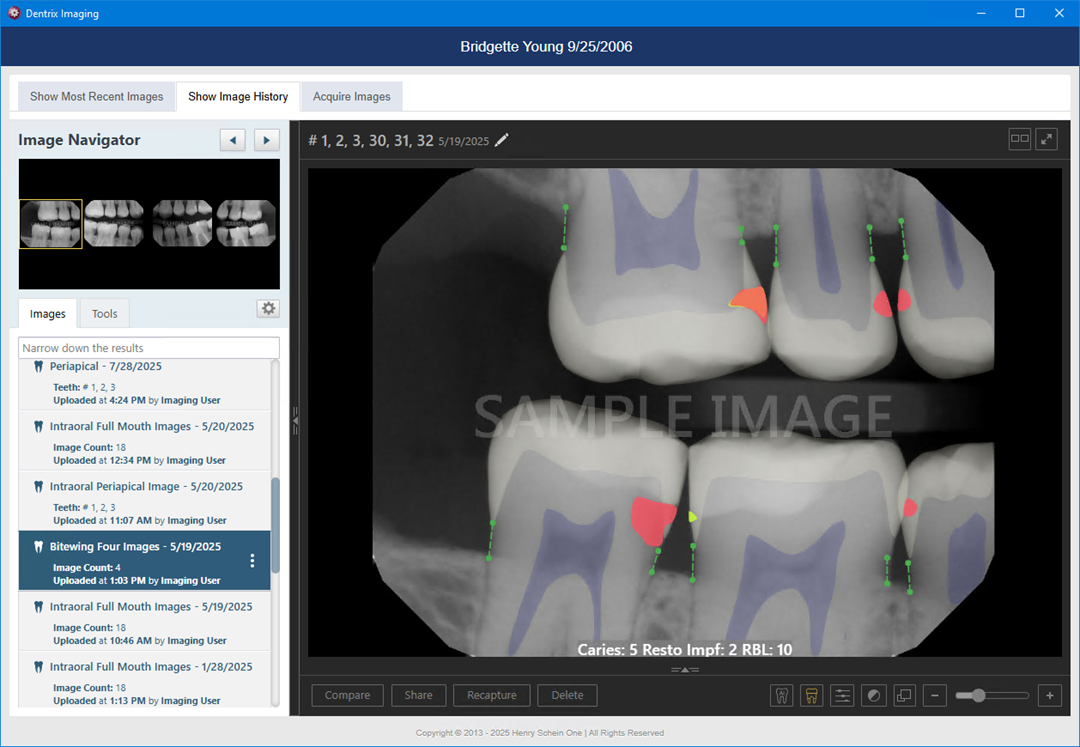
2. Click the Acquire tab.
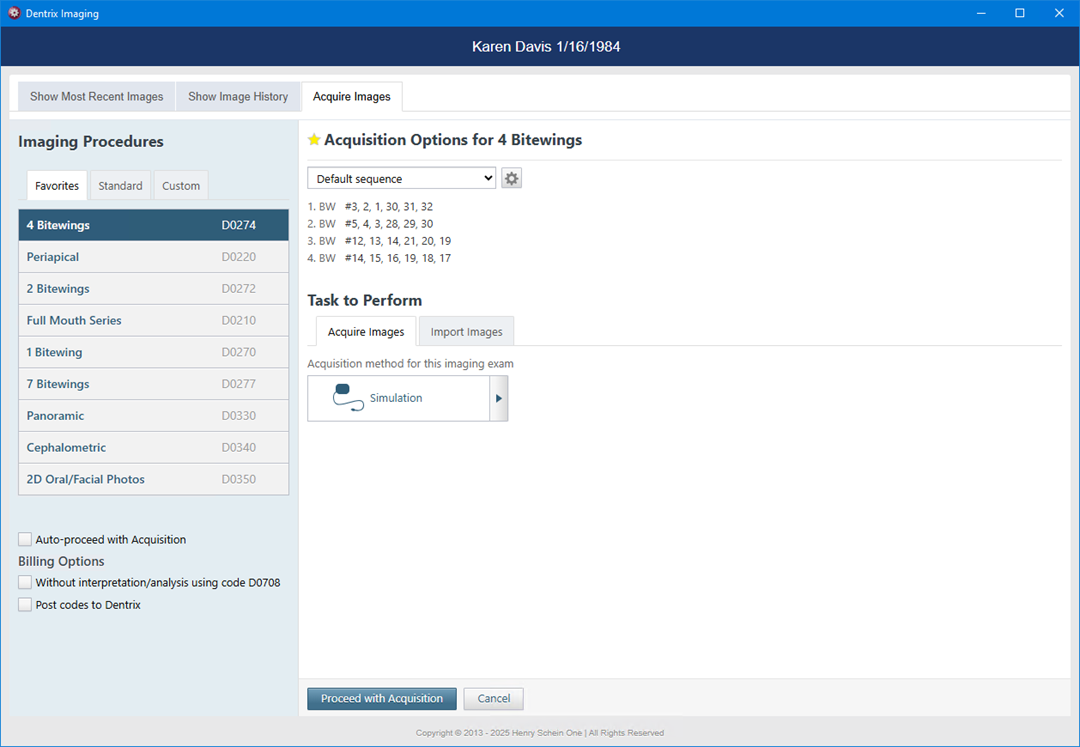
3. Click the desired procedure group (Favorites, Standard, or Custom).
The acquisition sequences change depending on the selected procedure group.