
You can change a patient's default provider when entering treatment in the Patient Chart or when scheduling appointments in the Appointment Book.
To change a provider
1. Select a patient.
2. To change the provider from the default, click File, and then click Select Provider.
The Select Provider dialog box appears.
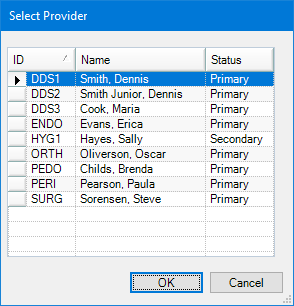
3. Select the appropriate provider from the list, and then click OK.